
Help Article
Obstacle Course
Build, edit, and manage obstacle courses from the current group task editor.
Obstacle Course
Community > My Groups > Joined Groups > Select a group > Leaderboards
Obstacle Course lets your group create a map-based task with navigation tasks, waypoint tasks, and no-fly zones, then score flights on the leaderboard.
Create an Obstacle Course leaderboard
- Open Leaderboards in your group.
- Tap Create Leaderboard.
- Select Obstacle Course.
- Complete the setup flow:
- Configuration: choose scoring such as Best Task Score or Best Flight.
- Create Leaderboard: set Name and optional Date Range.
- Tap Save.
After saving, Gaggle opens the Obstacle Course editor for that leaderboard.
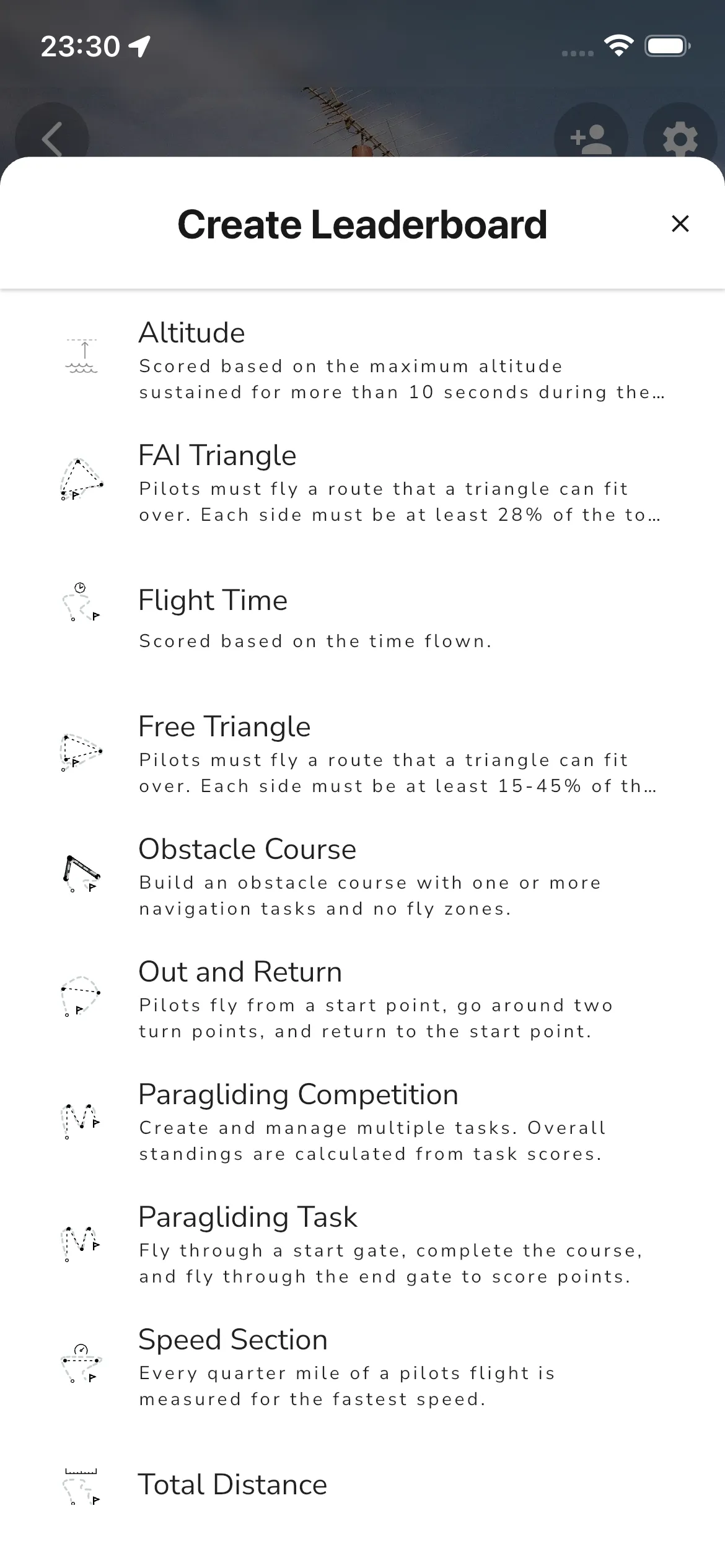
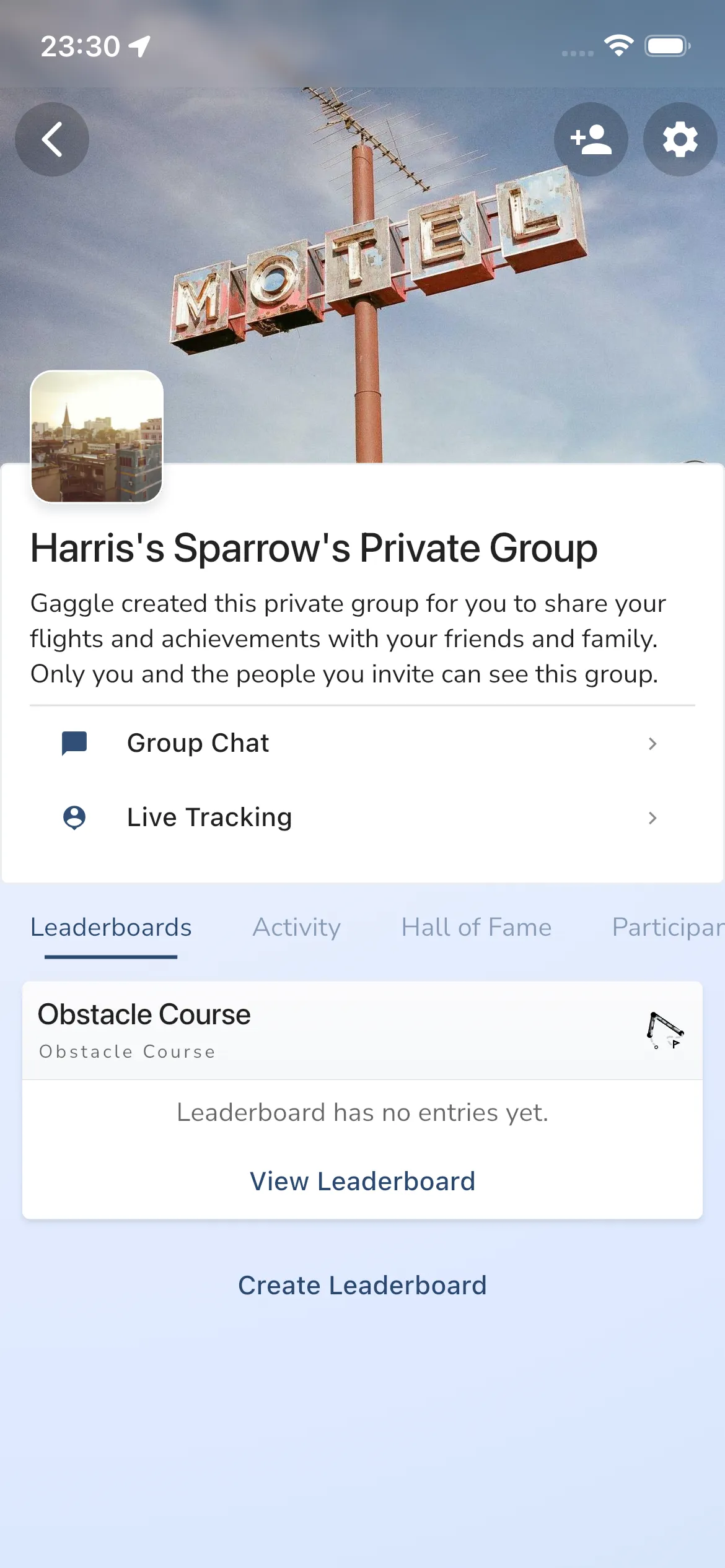
Leaderboards tab actions
- View Leaderboard opens the leaderboard detail page.
- Create Leaderboard is shown to group admins/owners for new leaderboards.
- Obstacle Course leaderboards appear alongside your other group leaderboard types.
Build and edit the course
Inside the Obstacle Course editor:
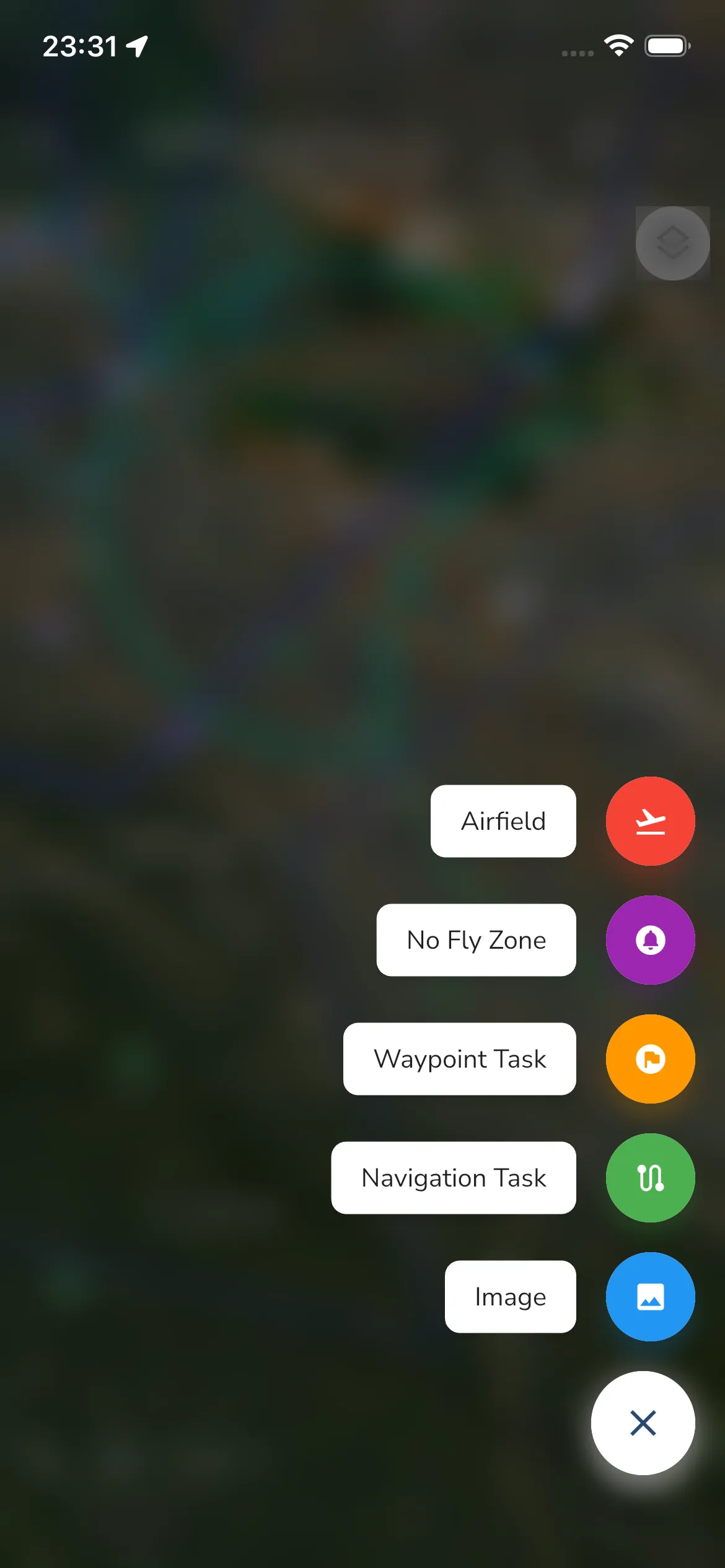
- Use + to add course elements:
- Airfield
- No Fly Zone
- Waypoint Task
- Navigation Task
- Image
- Use Configuration (tune icon) for course settings.
- Use the overflow menu for Import Tasks and Print Layout.
- If you navigate back with unsaved edits, you will be prompted to Save or Discard.
Practical editing flow
- Add or select a course element.
- Adjust its settings and geometry on the map.
- Tap Done when editing that element.
- Save when leaving the editor if prompted.
Manage from leaderboard details
From View Leaderboard, use the detail screen tabs:
- Leaderboard: rankings and score view.
- Task Details: course/task information and admin tools.
In Task Details for obstacle courses:
- Results with Download Excel for leaderboard output.
- Obstacle Course with View to open the editor.
- Export with Export KML.
- Delete for admins when a leaderboard needs to be removed.
Replay support
When a scored entry is selected, Replay Flight is available from leaderboard detail so pilots can review attempts against the course.
FAQ
Who can create or edit an Obstacle Course?
Group admins/owners can create and manage obstacle course leaderboards for the group.
Can I reuse parts of another obstacle course?
Yes. Use Import Tasks in the Obstacle Course editor to import tasks from another source leaderboard.
How do I share the course outside the app?
Use Export KML in Task Details.