
Help Article
Meetups
Create and join meetup events with pilots, then follow activity with live tracking
Meetups
Community Page > Meetups
Meetups are event-focused community groups in Gaggle. You can use them to plan and run group flying events, then follow participating pilots from the meetup.
On Community home, the top rows are:
My GroupsMy Friends & FollowersMeetupsChallenges
Tap Meetups to open the meetup list.
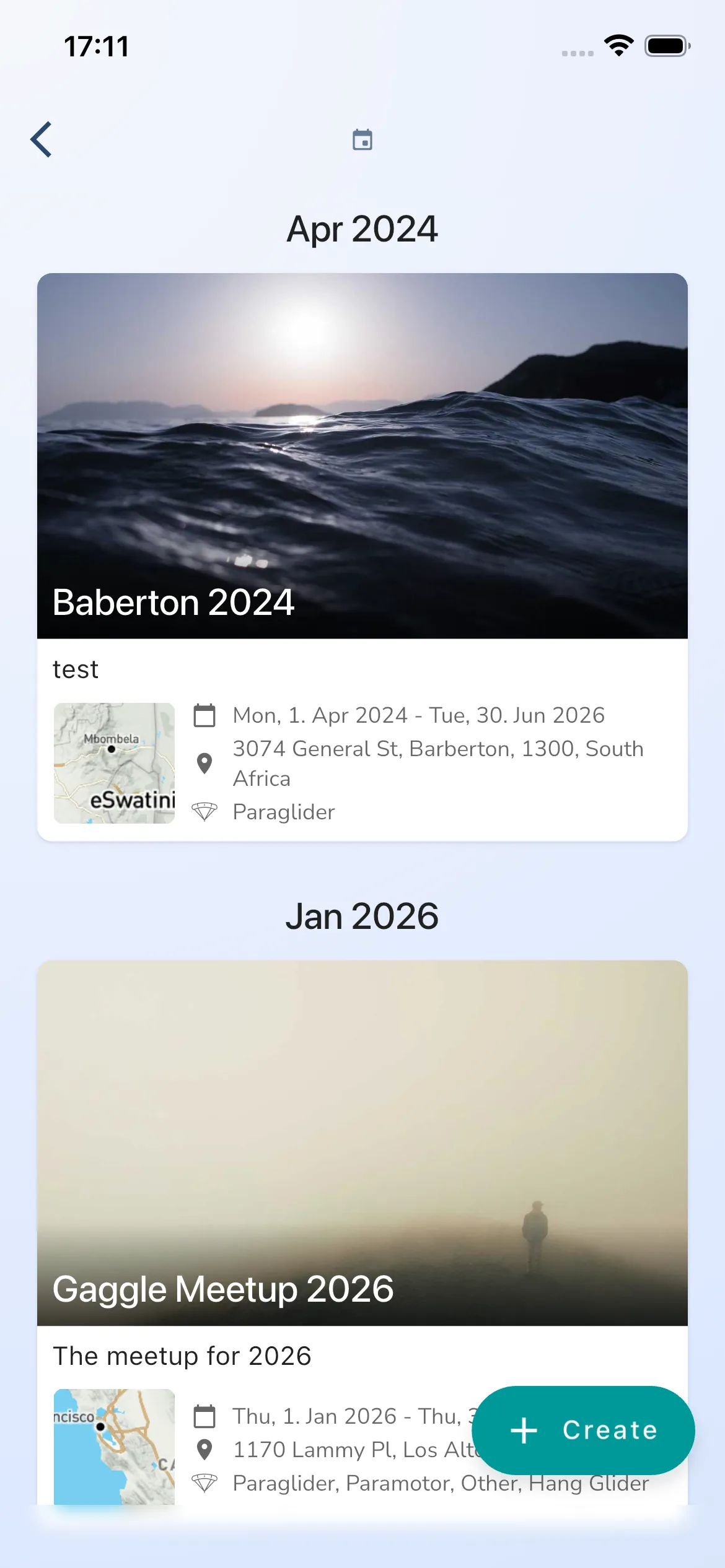
Browse meetups
The meetup list is grouped by month. To create a new meetup, tap the floating Create button.
Create a meetup
Meetup creation uses a 5-step flow:
New MeetupMeetup LocationMeetup DetailsRegistrationSponsors
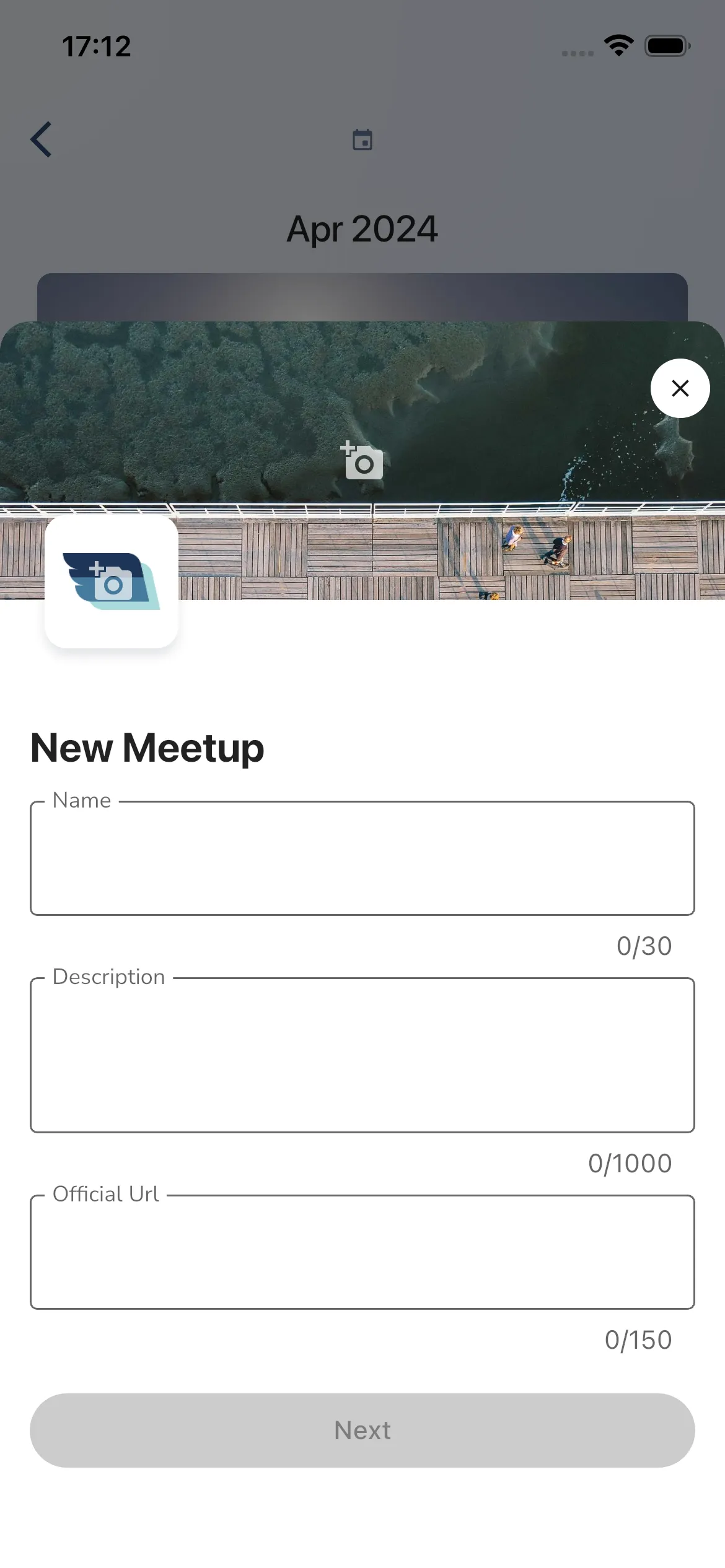
1) New Meetup
Add your meetup basics:
NameDescriptionOfficial Url
In the current flow, only Name is required to enable Next.
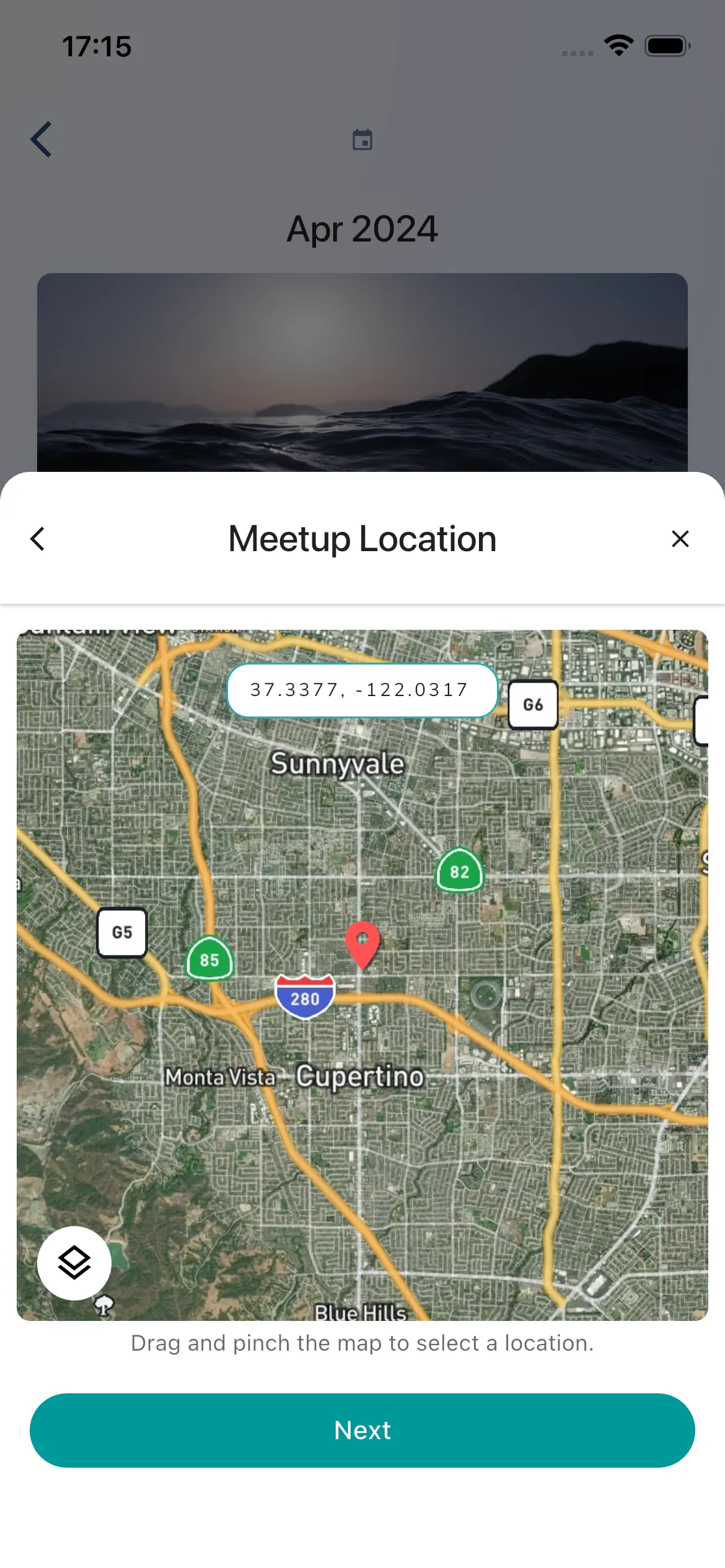
2) Meetup Location
Select the location on the map.
This step shows helper text: Drag and pinch the map to select a location.
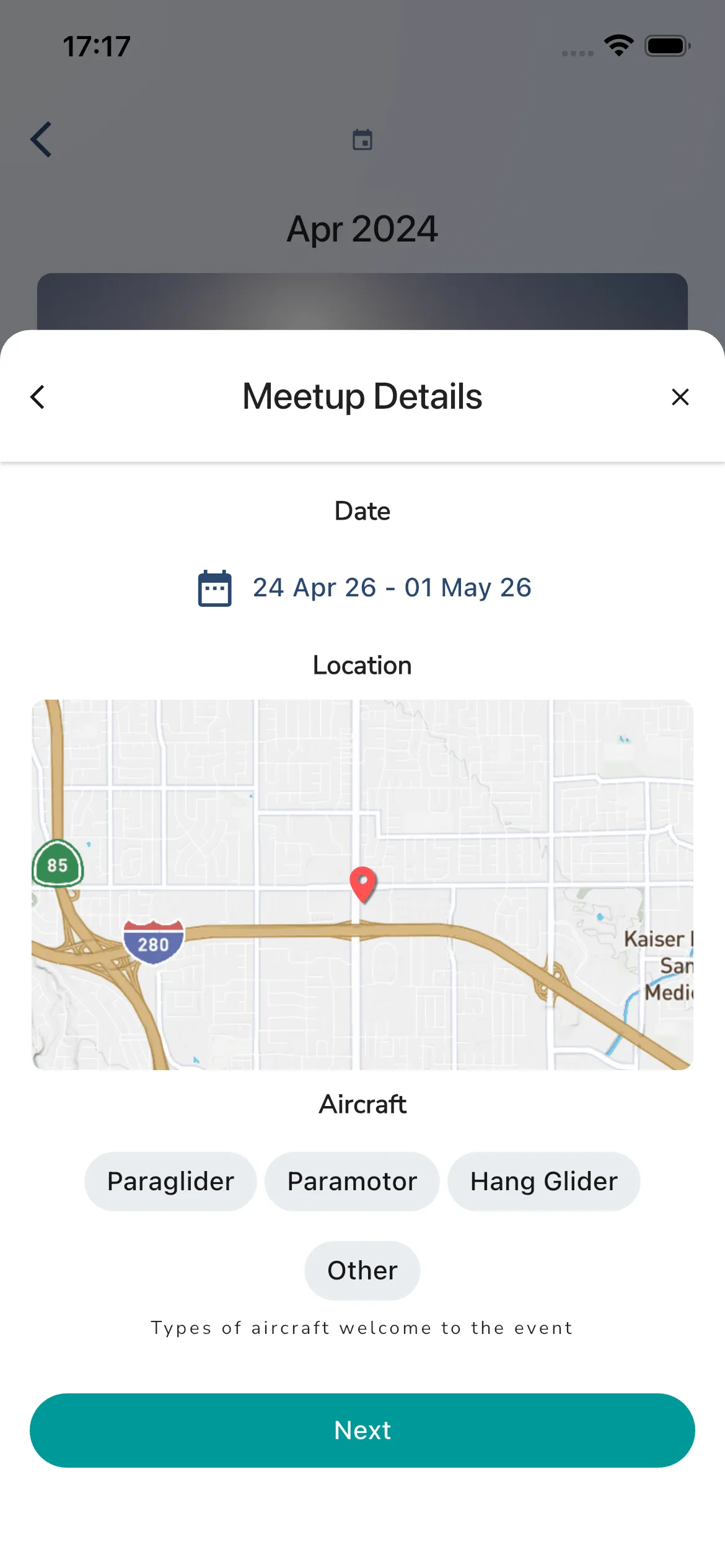
3) Meetup Details
Set:
- Date range
- Location preview
- Aircraft chips
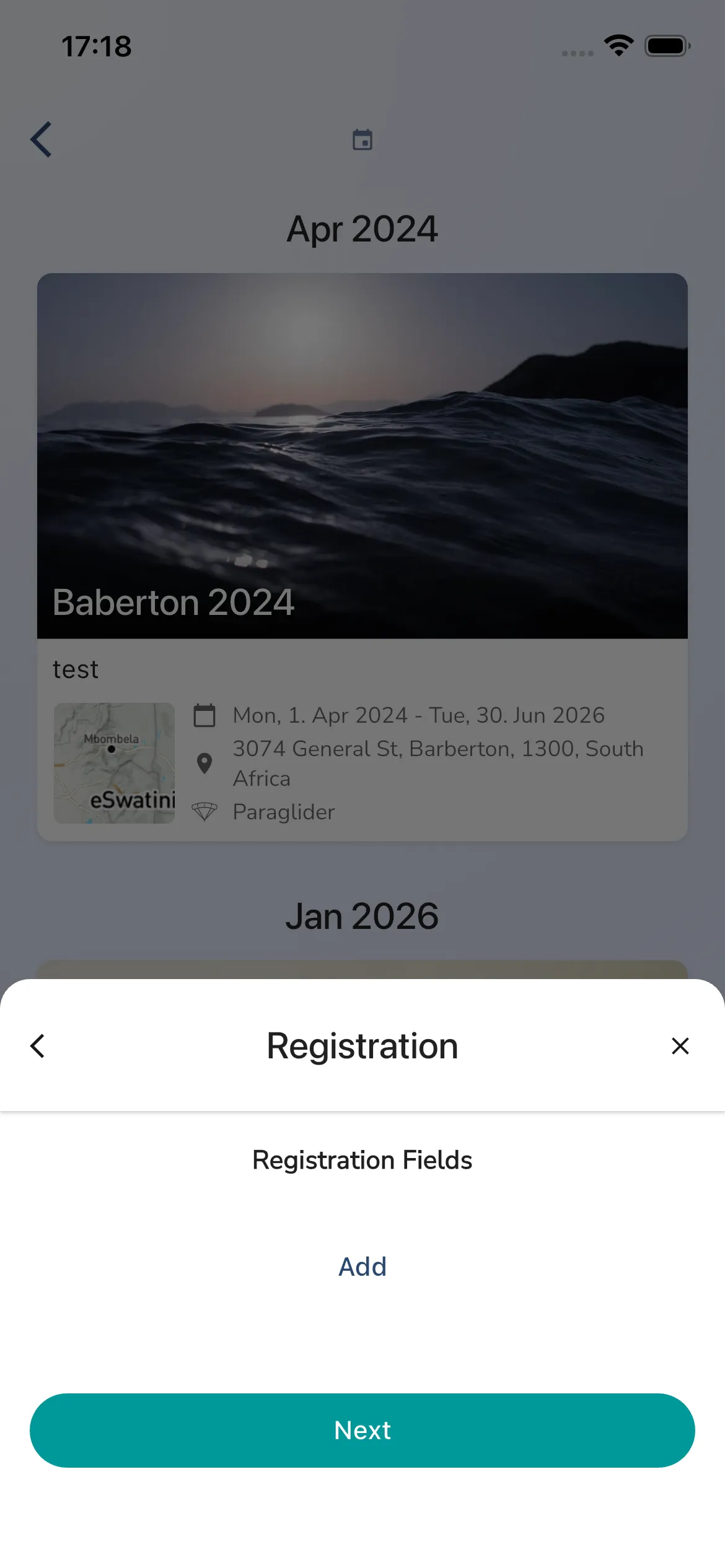
4) Registration
Configure Registration Fields using Add, then continue with Next.
This screen currently does not include a registration close date control.
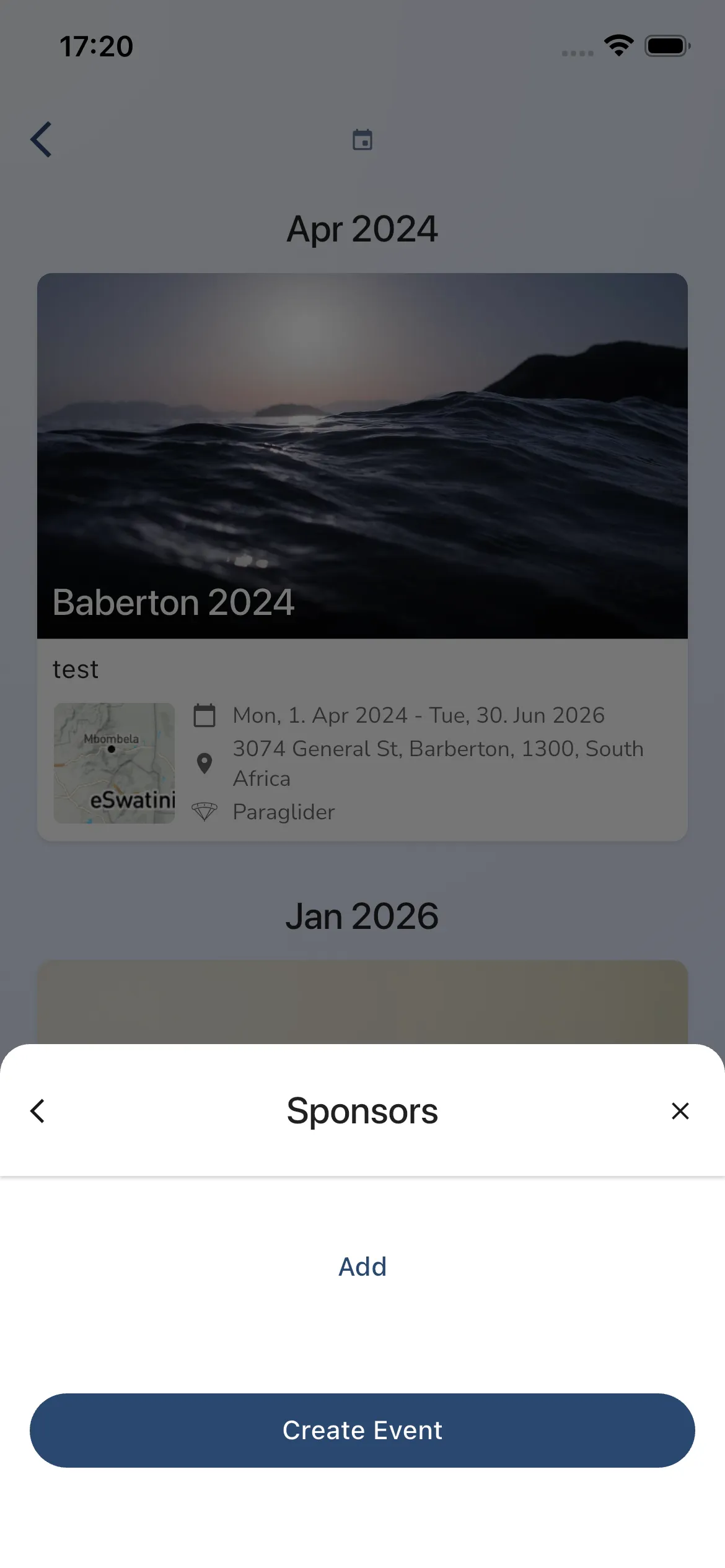
5) Sponsors
Add sponsors with Add, then finish with Create Event.
Meetup overview
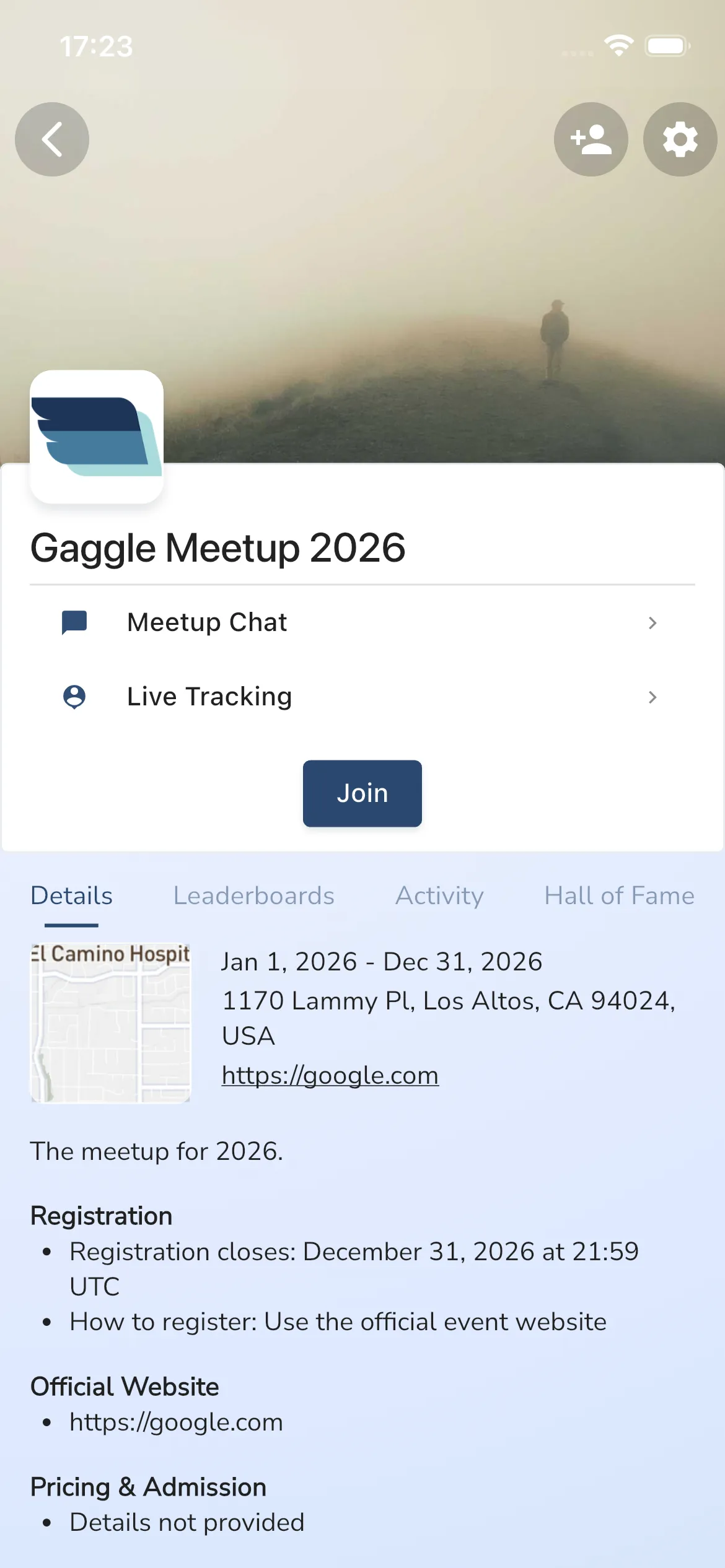
After opening a meetup, the current overview includes:
- action rows:
Meetup ChatandLive Tracking - a
Joinbutton - tabs:
Details,Leaderboards,Activity,Hall of Fame,Participants
Join a meetup
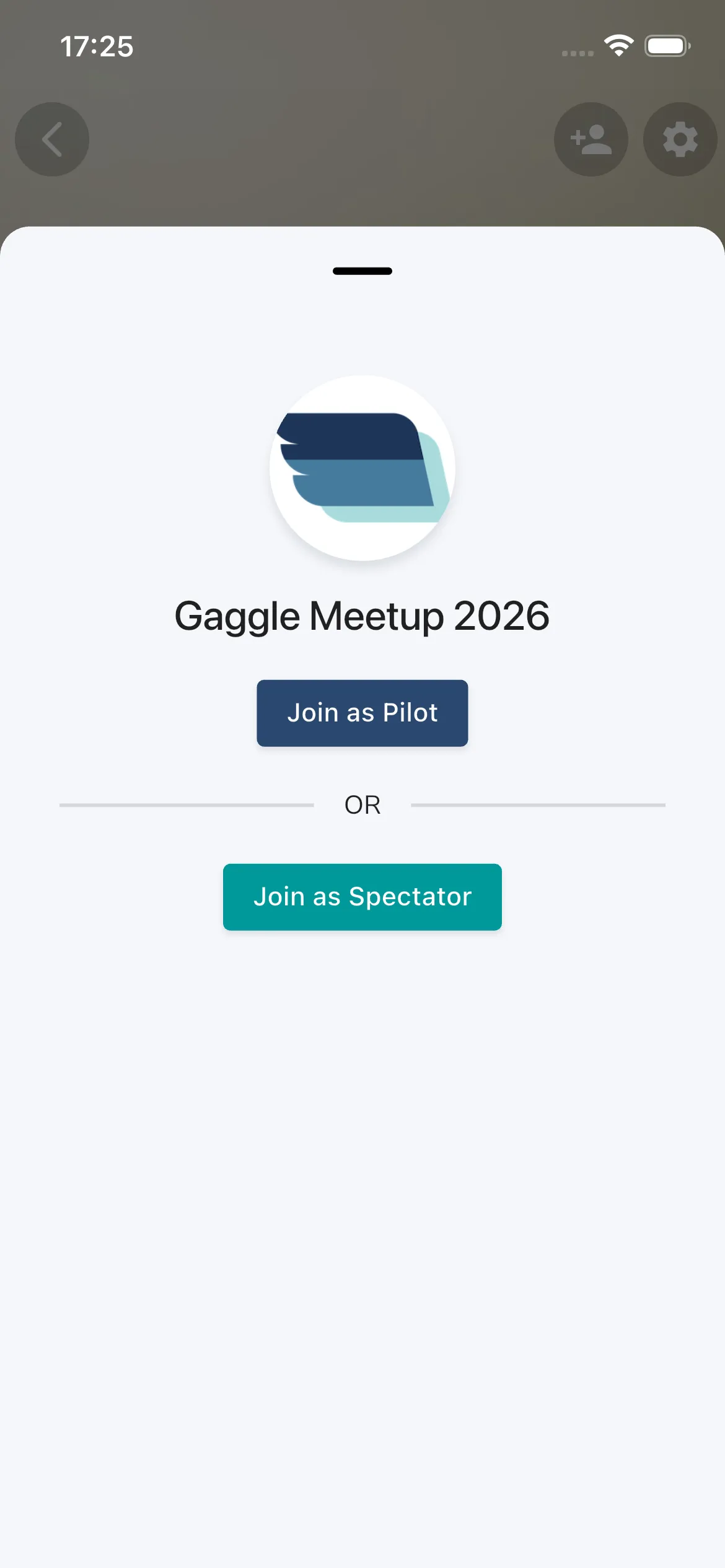
Tap Join on the meetup page, then choose:
Join as PilotJoin as Spectator
Join as Pilot links your participation with the meetup event flow. Join as Spectator lets you follow the meetup without joining as a pilot.
Live Tracking
Open Live Tracking from the meetup page to see active pilots for that meetup.
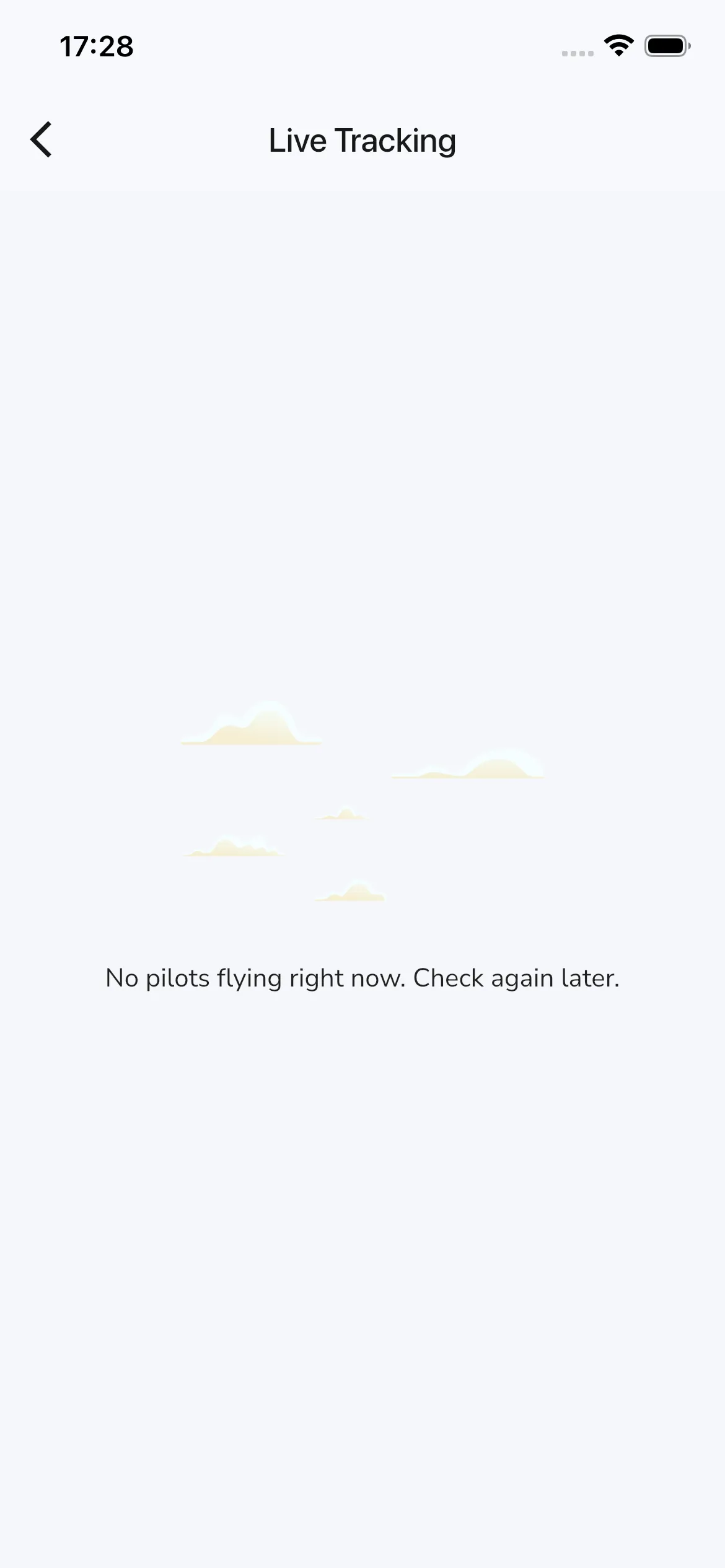
When there are no active pilots, the empty state reads: No pilots flying right now. Check again later.
Meetups behave like event groups, so you can also use the Groups guide for shared group behavior.