
Help Article
Live Tracking
Learn how to open live tracking for nearby pilots, groups, and followed pilots.
Live Tracking
Live tracking lets you follow pilots who are currently flying, as long as their sharing settings allow you to see them.
If notifications are enabled, Gaggle can also send a push notification when a pilot you are allowed to track is in the air. Opening that notification routes into the live spectator view.
You can reach live tracking from:
- the
Flying near yousection in Community - group-related community surfaces
- flight notifications that open the spectator view when a trackable pilot takes off
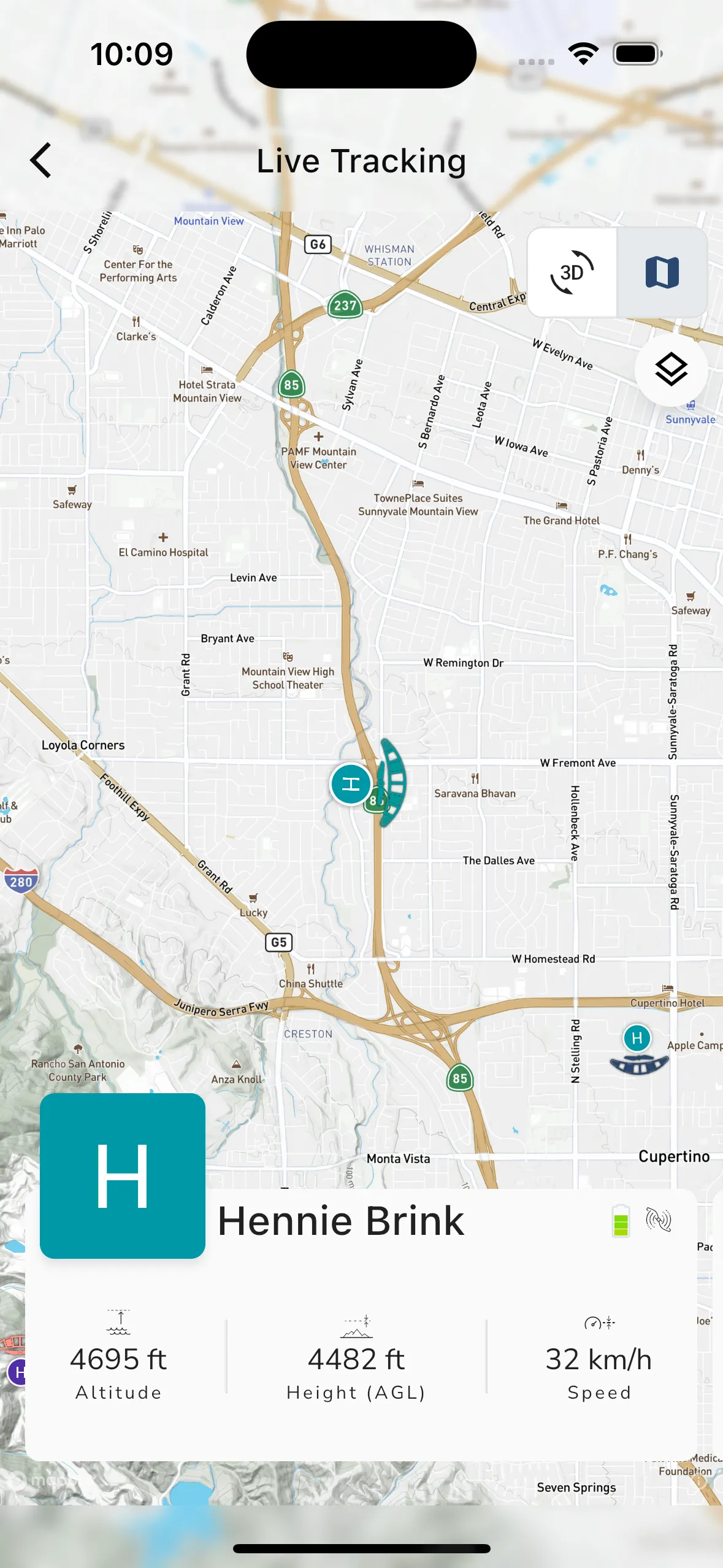
2D live tracking
In the 2D view you can follow a pilot on the map and inspect the live information card.
Depending on the flight and data available, this can include:
- pilot name and profile image
- battery level
- aircraft type
- height above ground
- speed
- other live flight details
If multiple pilots are visible in the current context, you can move between them from the tracking interface.
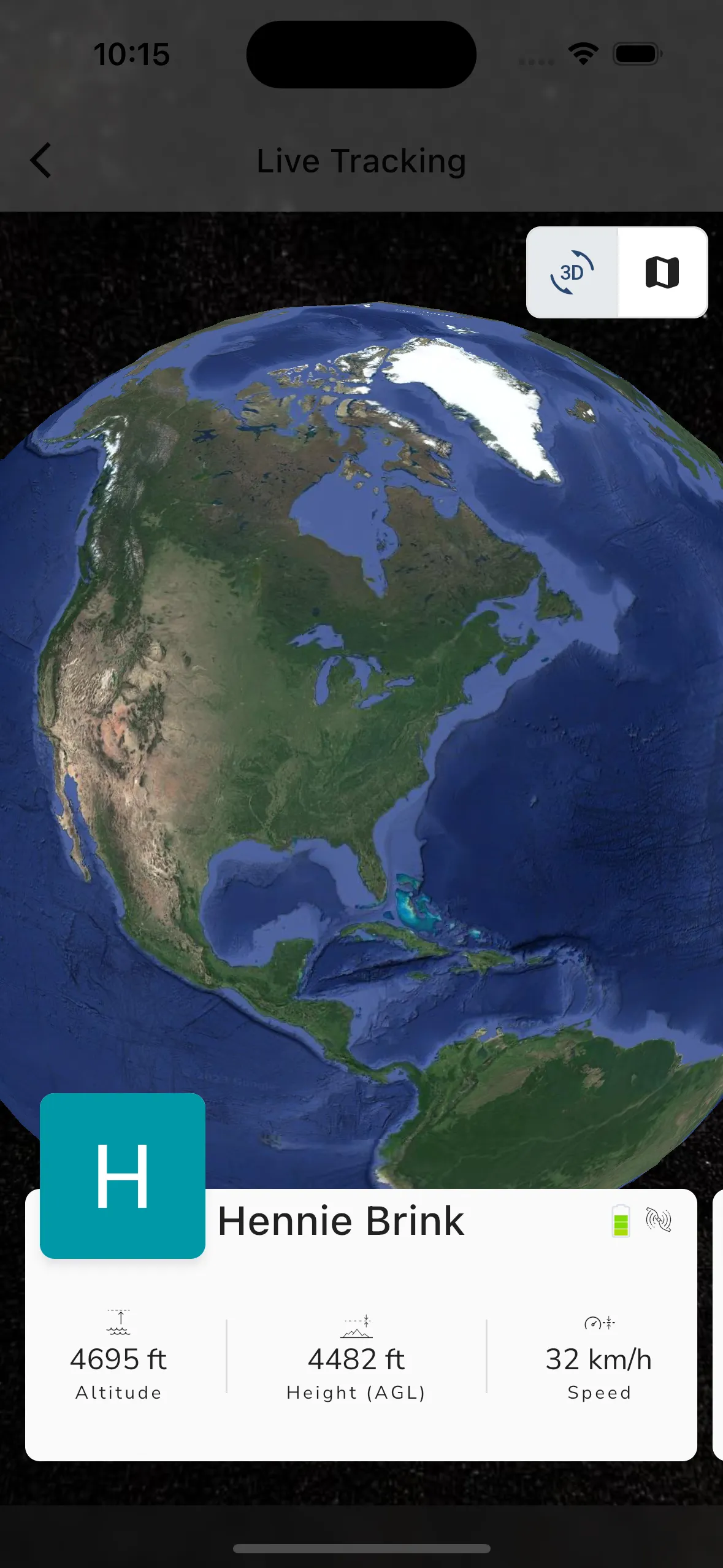
3D live tracking
Gaggle also supports a 3D live-tracking view.
Use it when you want a more terrain-aware perspective of the flight path and nearby landscape while the pilot is still airborne.
Why a pilot might not appear
If live tracking is not available for a pilot, the most common reasons are:
- the pilot is not sharing live location with you
- the pilot is no longer flying
- the pilot currently has limited connectivity
- your current community or group context does not include that pilot