
Help Article
Incoming Integrations
Copy your integration credentials, choose sharing scope, and select the wing or motor used for incoming data.
Incoming Integrations
Profile > Settings > Integrations > Incoming Integrations
Incoming Integrations lets you connect external devices or services that send data into Gaggle.
Use this page to:
- Copy your integration username and password
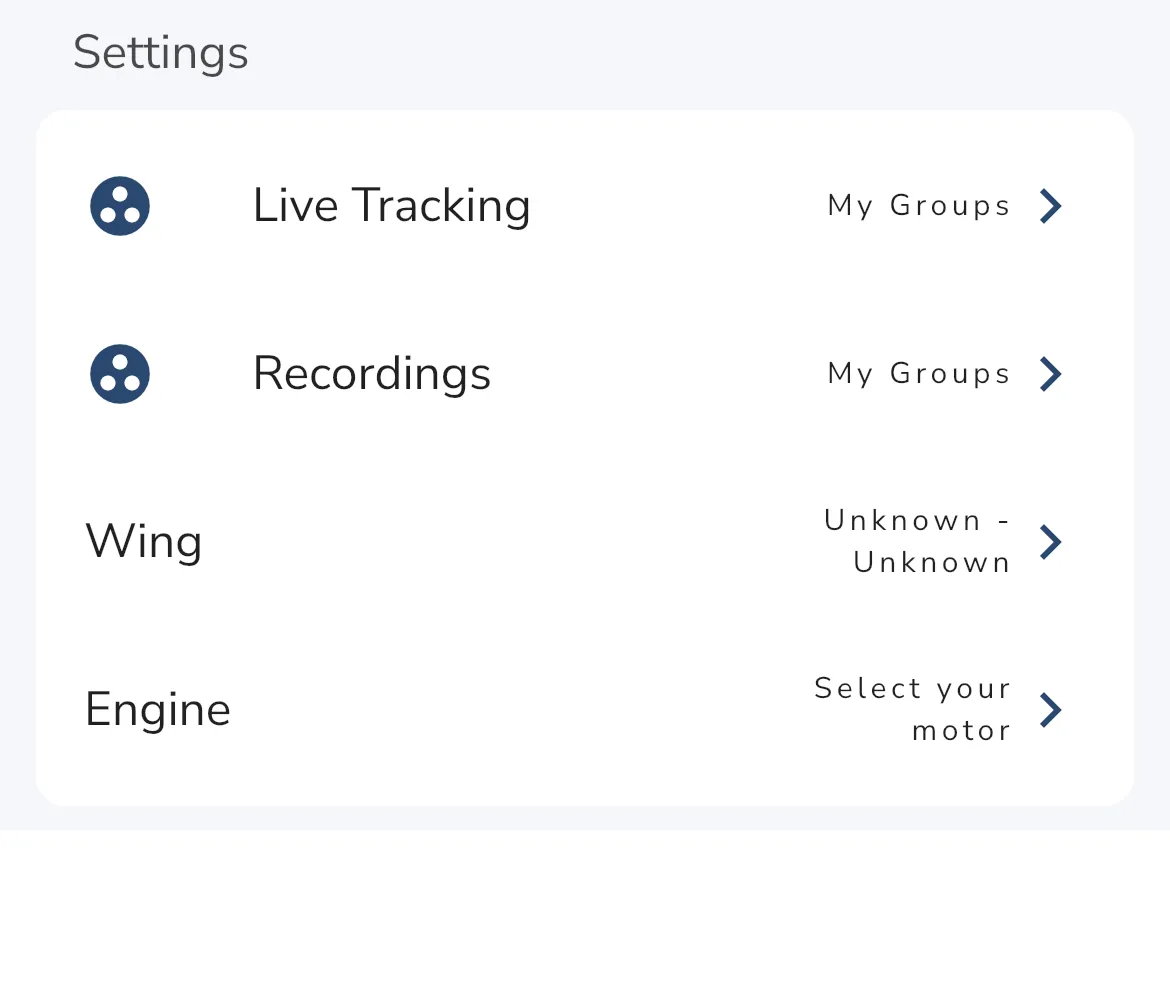
- Set sharing for Live Tracking
- Set sharing for Recordings
- Choose the default Wing and optional Engine (motor)
Do not share your integration credentials publicly.
Tapping Username or Password copies that value and shows a confirmation message.
For Live Tracking and Recordings, choose one of:
- Everyone
- My Groups
- Friends
- Private
The Wing field is required. If no wing is selected you will see a warning.
The Engine field is optional.
Wing and Motor Setup
Incoming Integrations can only select equipment that already exists on your profile.
If your wing or motor is missing:
- Open Profile > Equipment
- Tap Add
- Create your wing and/or engine entry
- Return to Incoming Integrations and select them