
Help Article
Hall of Fame
Open the Hall of Fame view for a group and understand how yearly recognition cards are presented.
Hall of Fame
Community > My Groups > Joined Groups > Select a group > Hall of Fame
Every group has a built-in Hall of Fame tab that tracks top group records from shared flights.
In the group page tab bar, open Hall of Fame to see year-based record cards (for example 2026).
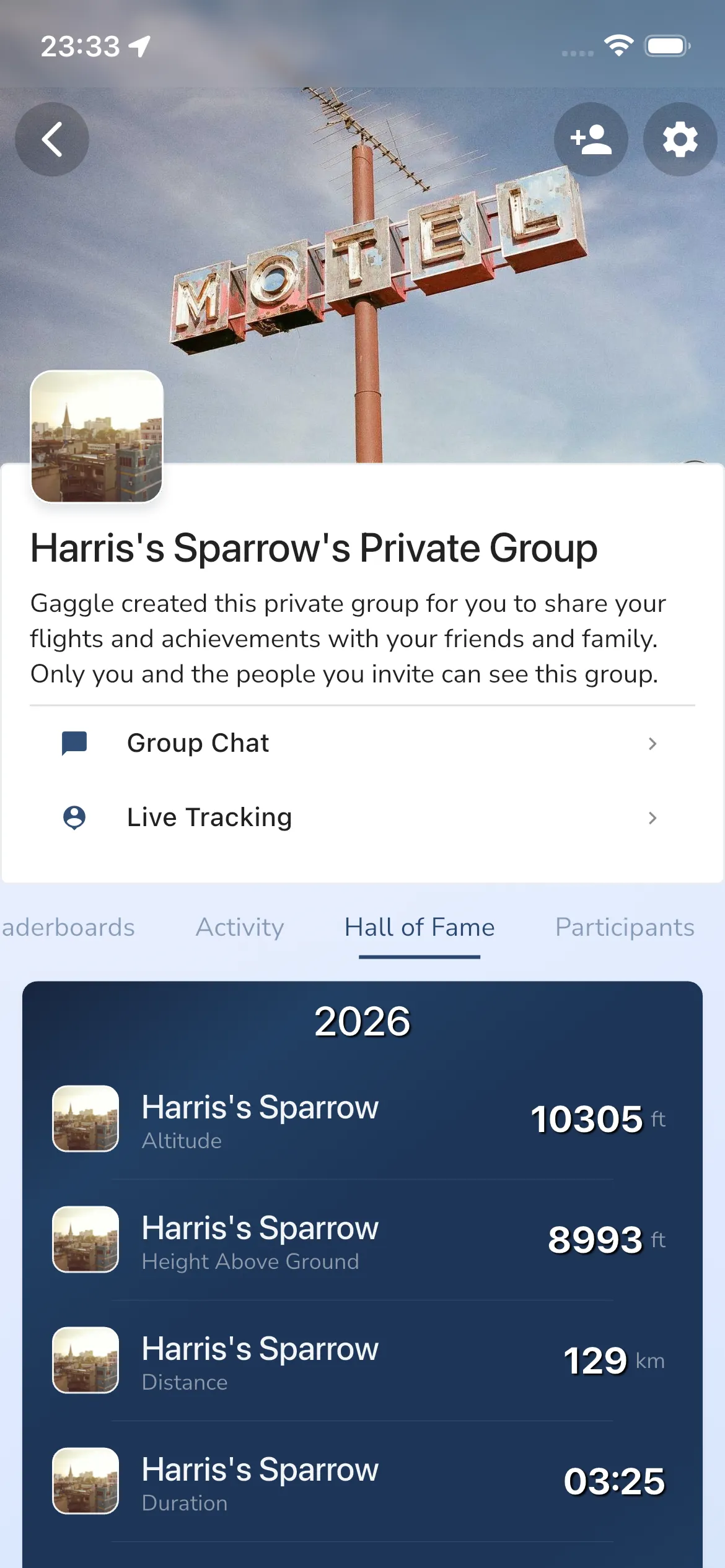
Each year card currently shows the best pilot and value for:
- Altitude
- Height Above Ground
- Distance
- Duration
- Speed
- G-Force
- Climb
Tap any row in the Hall of Fame list to open the linked flight recording.
What to expect
- Hall of Fame updates automatically after eligible flights are processed.
- Flights usually need to be shared with the group to contribute.
- Values can differ from personal-best/achievement stats because those surfaces can apply different filters.
FAQ
How often is the hall of fame updated?
Hall of Fame updates after an eligible shared flight has been uploaded and processed.
Why does Hall of Fame show different values than other places in the app?
Different parts of Gaggle can apply different validation and scoring rules. Hall of Fame is focused on group record tracking for shared flights.
My imported flight is not showing in Hall of Fame
Imported flights are often private by default. Open the recording and update sharing/privacy so it is shared with the group.
I think a Hall of Fame value is wrong
If you see a flight in the hall of fame that you think is not valid, please report the flight to the pilot, so they can remove the flight from the group by making it private.