
Paramotor Engines
Profile > Equipment > PG/PPG/HG > tap an engine
Engines are managed from the same Equipment root as wings.
To create a new engine:
- Tap Add
- In Add Equipment, select Engine
- Enter Manufacturer and Name
- Tap Add
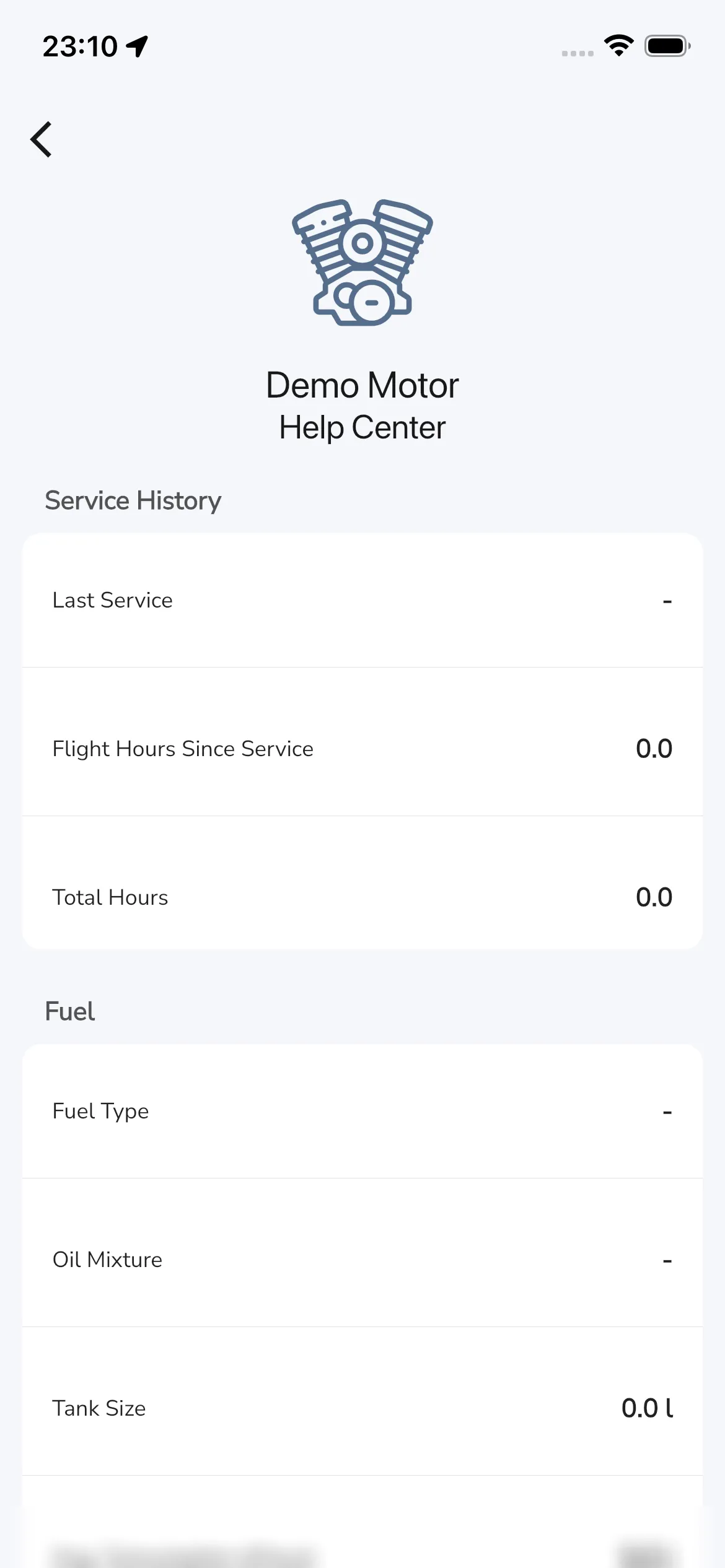
See your engine’s details
By tapping an engine row you open the engine detail page.
Service history
Current labels include:
- Last Service
- Flight Hours Since Service
- Total Hours
Fuel
Current labels include:
- Fuel Type
- Oil Mixture
- Tank Size
- Avg. Consumption (l/hour) (unit label can vary by your unit settings)
Notes
Use Notes to store engine-specific details.
Bottom actions on an engine
Lower in the page, current actions include:
- Flights
- Change Name
- Archive