
Help Article
Community
Learn how to use the Community tab to open groups, followers, meetups, challenges, and the activity feed.
Community
Community tab
The Community tab is the social home of the app. It brings together your community shortcuts, a location recommendation card when needed, nearby flying activity, upcoming meetups, and the main activity feed.
Community navigation
The current Community home starts with quick links to:
My GroupsMy Friends & FollowersMeetupsChallenges
Use these shortcuts when you want to jump straight into one area instead of scrolling through the full Community page.
If location access is still not configured for Community, Gaggle can also show a recommendation card here that asks whether you want to see others flying nearby and links to Change Location Settings.
Nearby flights
Below the navigation shortcuts, Gaggle can show nearby flying activity when pilots around you are sharing their live location.
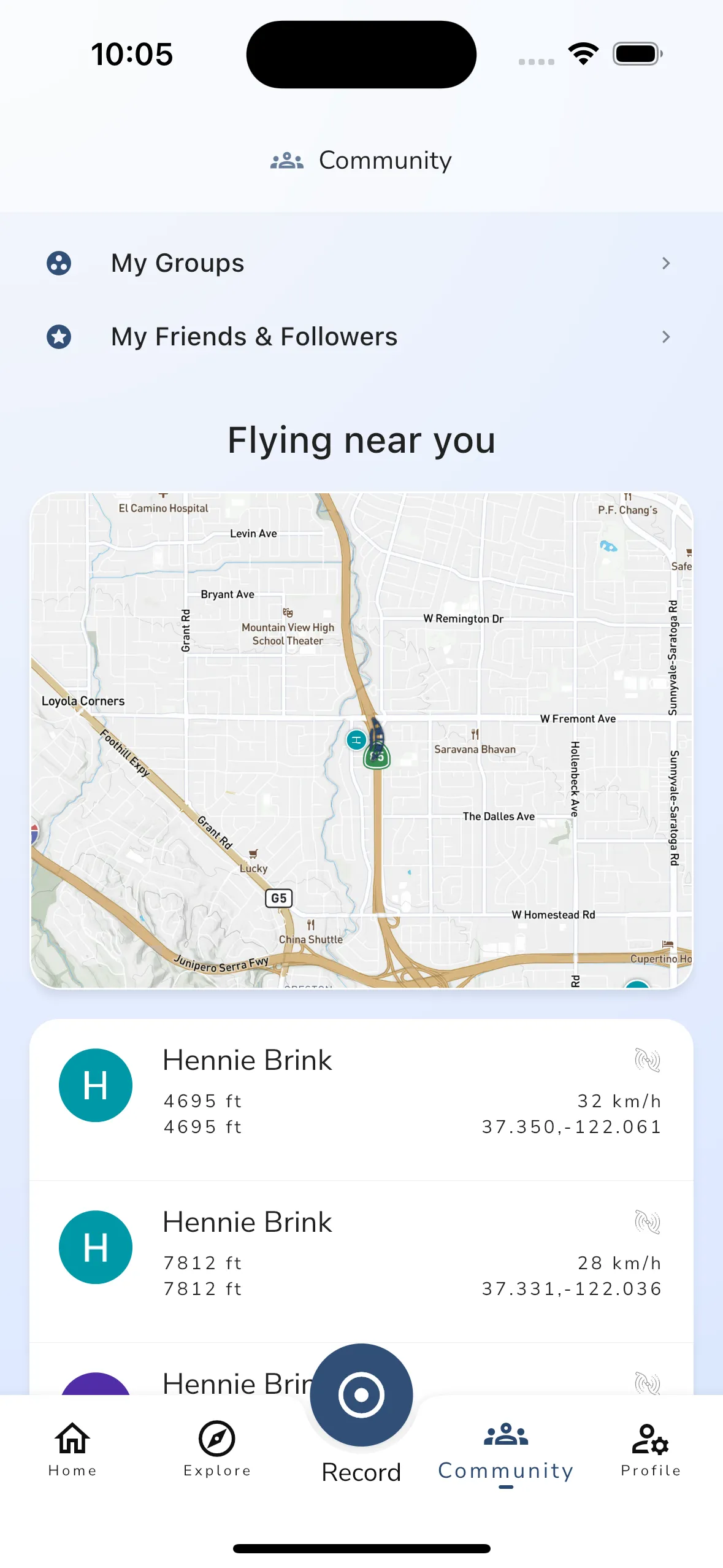
From this section you can:
- see nearby pilots on the map
- review live details such as altitude, height above ground, speed, and aircraft type when available
- open the live tracking viewer from the map or a pilot card
This is the fastest Community entry point when you want to see who is currently flying near you.
Meetups
If there are upcoming events near you, Community also shows a Meetups section.
These cards open the related meetup or event page, using the same details flow covered in the dedicated meetup guide, including:
- event details
- date and location
- attendance options
- the live-tracking area for that meetup when available
Challenges
Community is also the entry point for Challenges.
Use this area to browse current and past challenges, open challenge details, and follow your progress or placement where that challenge type supports it.
Activity
The lower part of the page is the Activity feed.
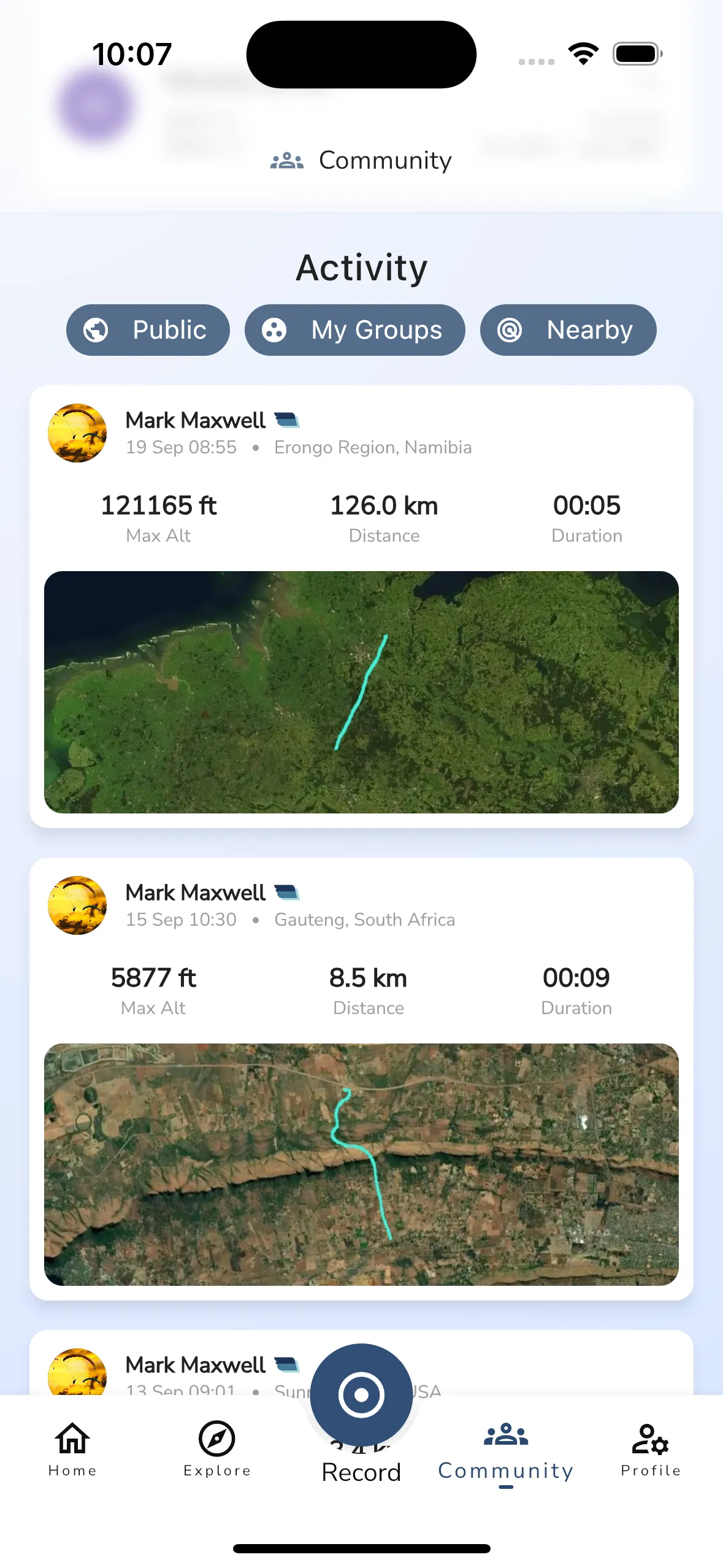
The current activity feed can combine:
- public recordings
- group-related activity
- nearby pilot activity
You can use the filter chips at the top of the section to toggle:
PublicMy GroupsNearby
Tap any flight or feed item to open the related details page. The current Community feed is not a general post feed.
Search
Community also includes search with the hint Find people and groups.
Use it when you want to:
- find a pilot
- open a group directly
- open community results for users, groups, or events without browsing the full page first
Next steps
If you want to manage a group in detail, continue to the Groups guide.
If you want to browse or join events, continue to the meetup guide from the same category.